Receives
INTENT
The operator states the mission instead of navigating separate apps and dashboards.
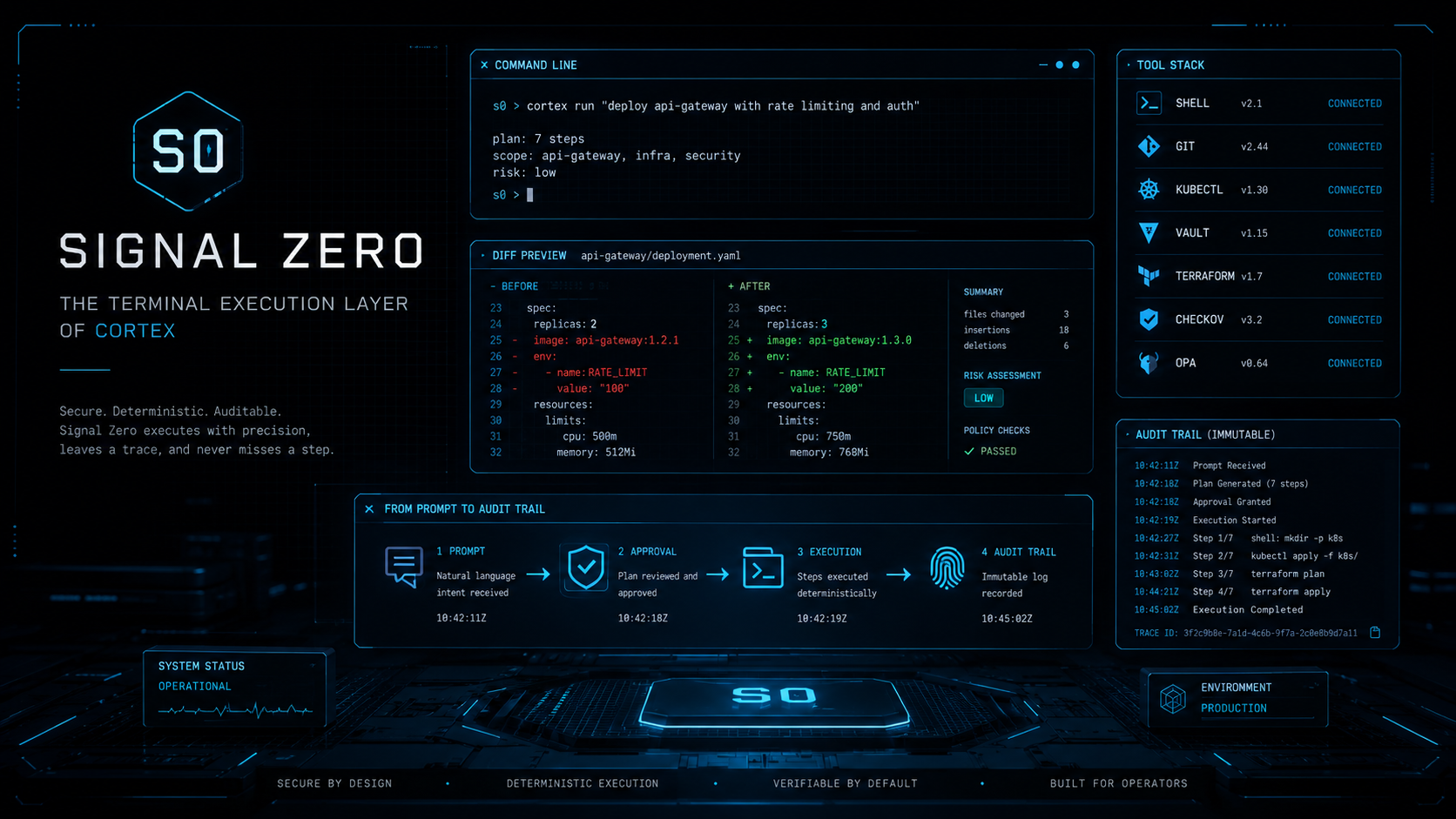
SIGNAL ZERO is the protected command and execution layer of the CORTEX ecosystem. It is where intelligence becomes action.
The execution layer has its own character, nameplate, icon, companion form, iOS companion surface, and CLI command path.
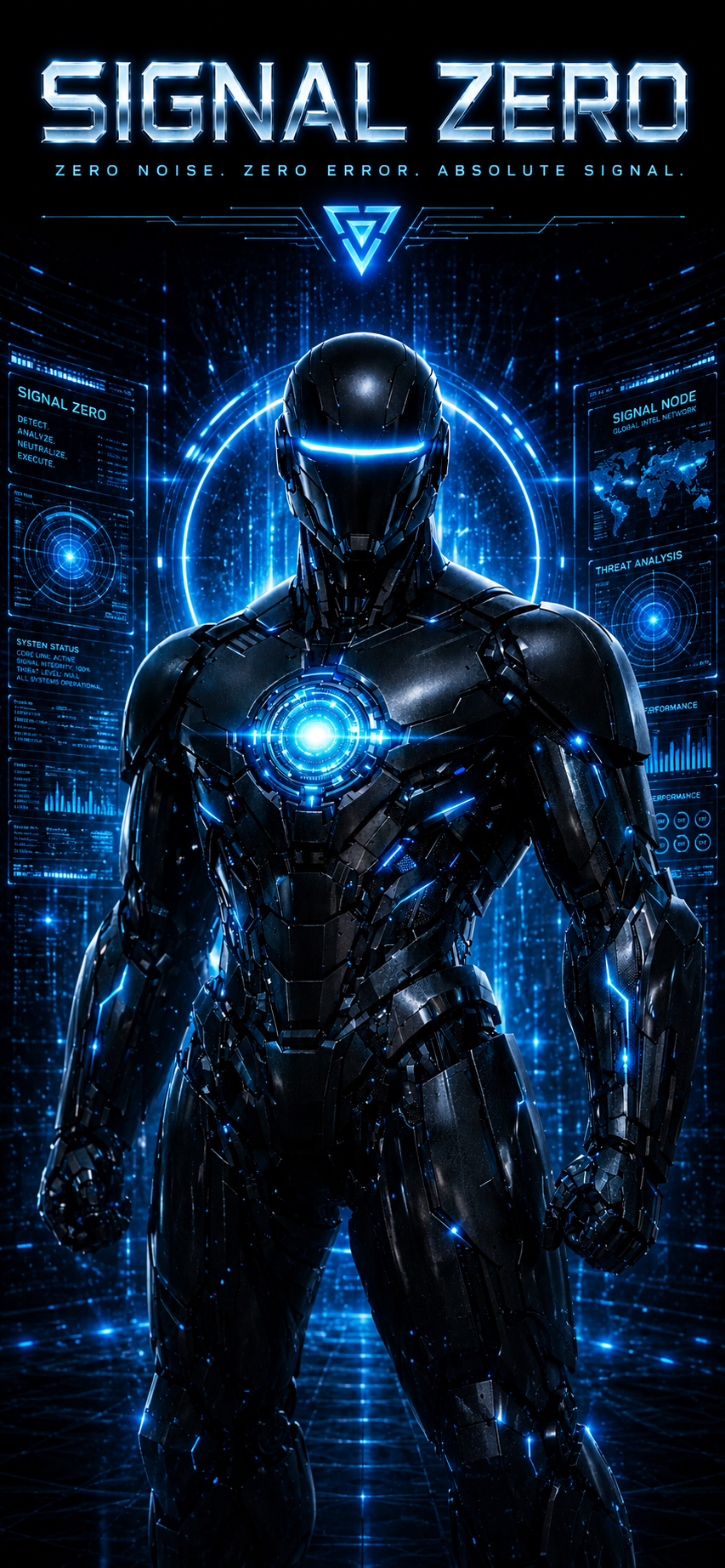
CORTEX can understand, remember, reason, and determine what should happen next. SIGNAL ZERO provides the controlled interface through which that decision becomes an authorized command.
 App Icon
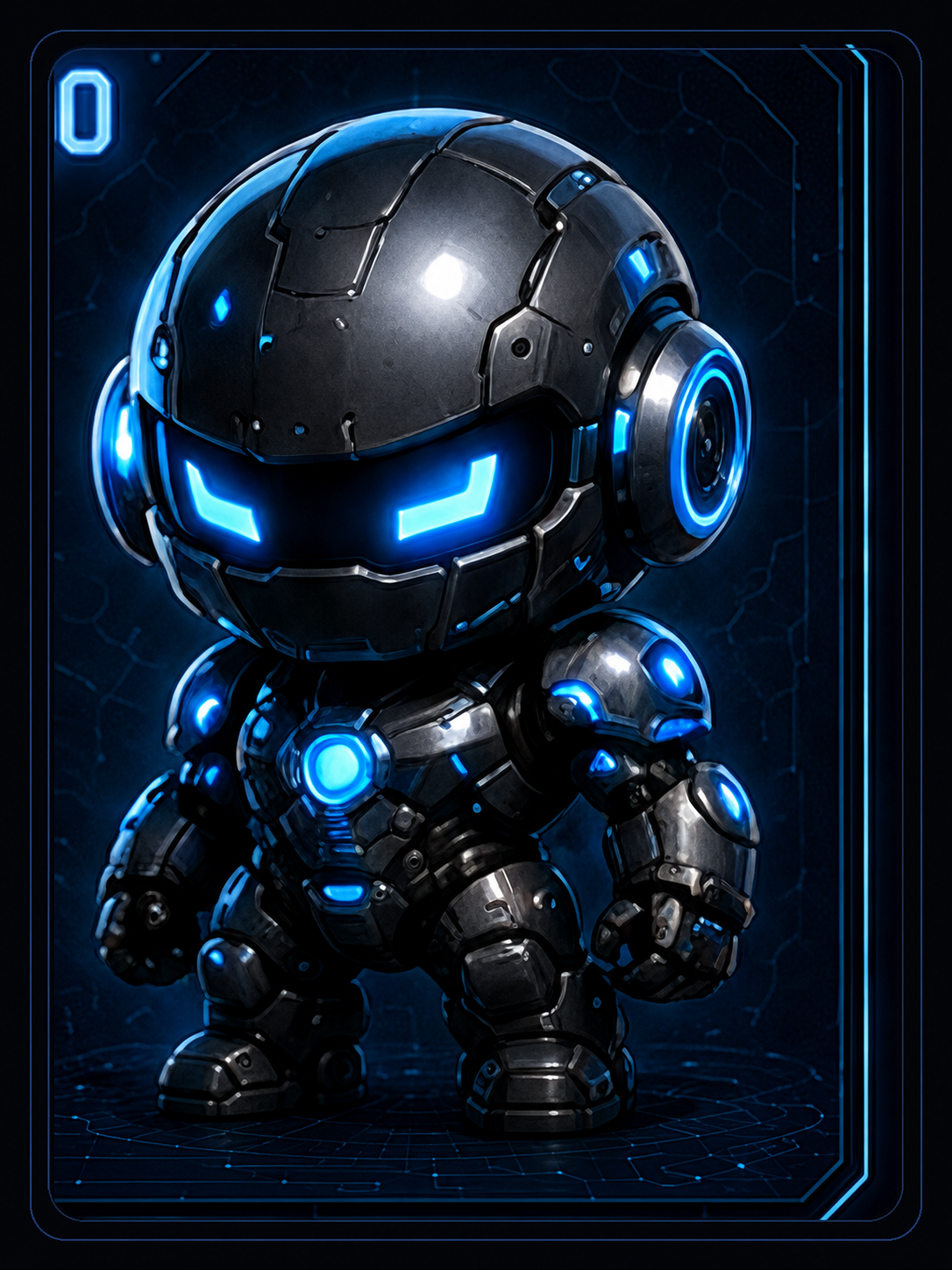 Companion Form
SIGNAL ZERO is not simply a terminal. It is the execution authority of the universe: command, control, orchestration, automation, agent coordination, workflow execution, operational visibility, and protected access to approved systems.
The operator states the mission instead of navigating separate apps and dashboards.
Execution stays inside approved lanes, protected permissions, and visible boundaries.
Every action comes back with output, evidence, remaining unknowns, and truth about failure.
The iOS app is the mobile control surface for commands, approvals, status, alerts, and companion control. It keeps the operator connected without pretending the phone is the terminal.
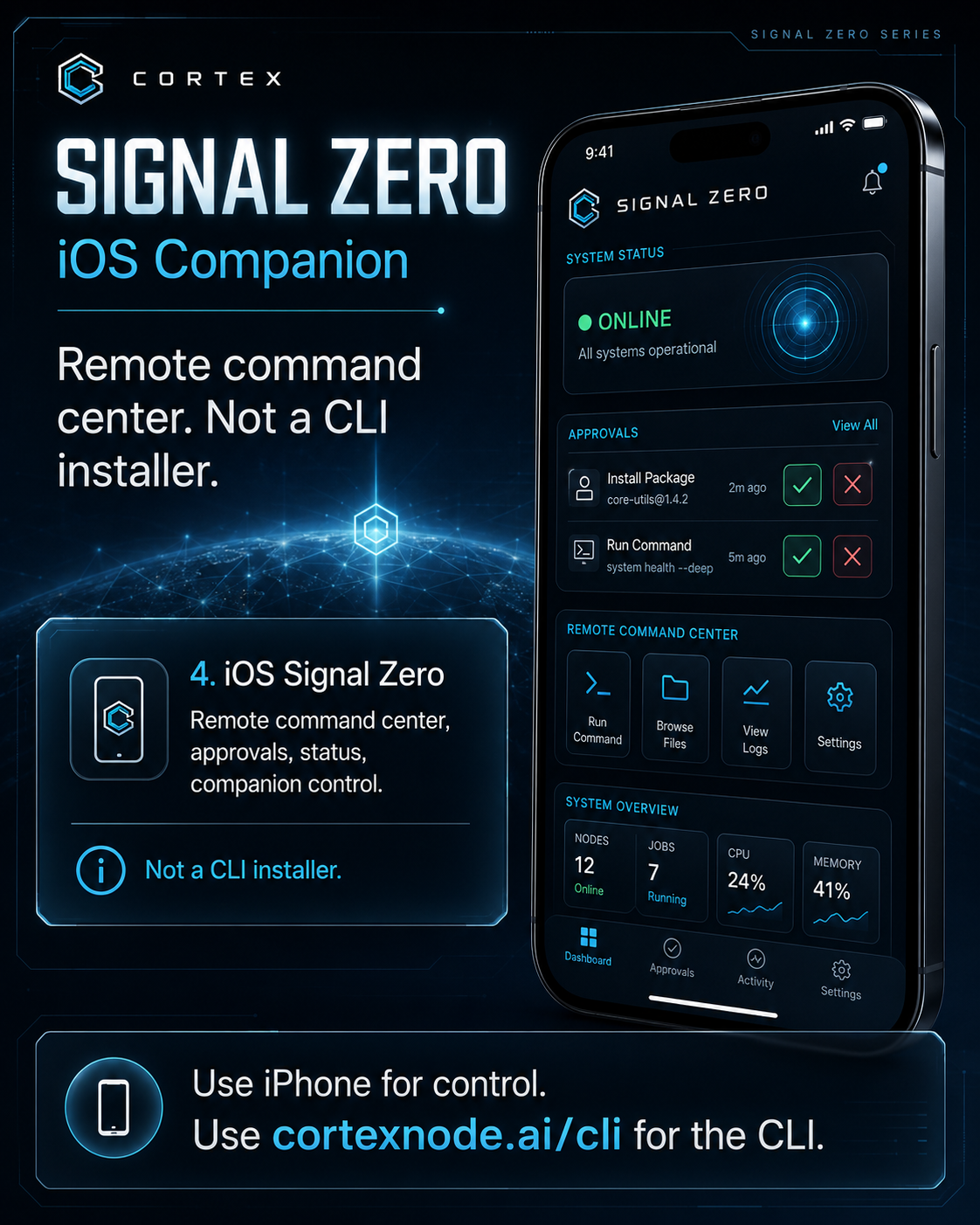 iOS Companion
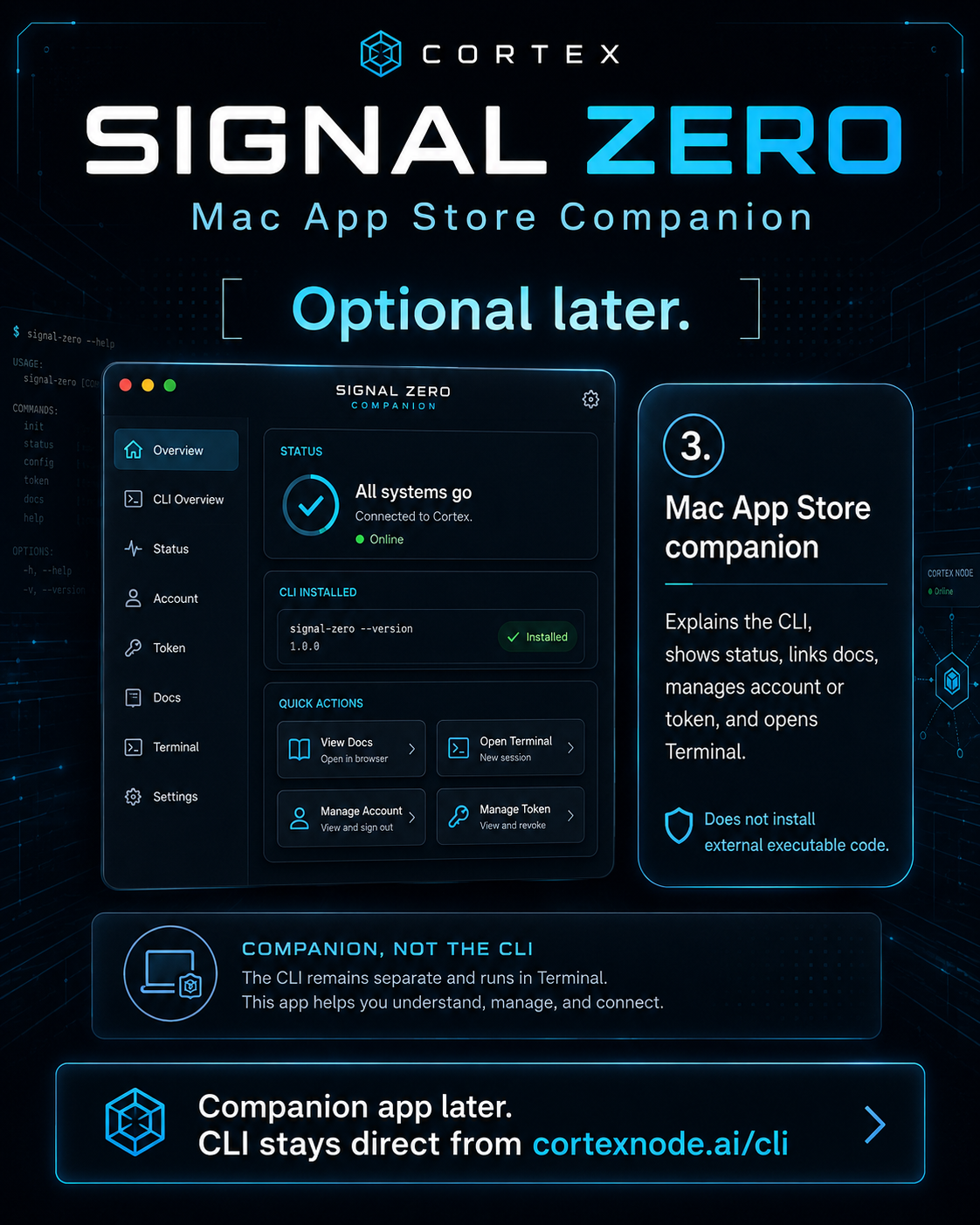 Mac Companion
 Signal Identity
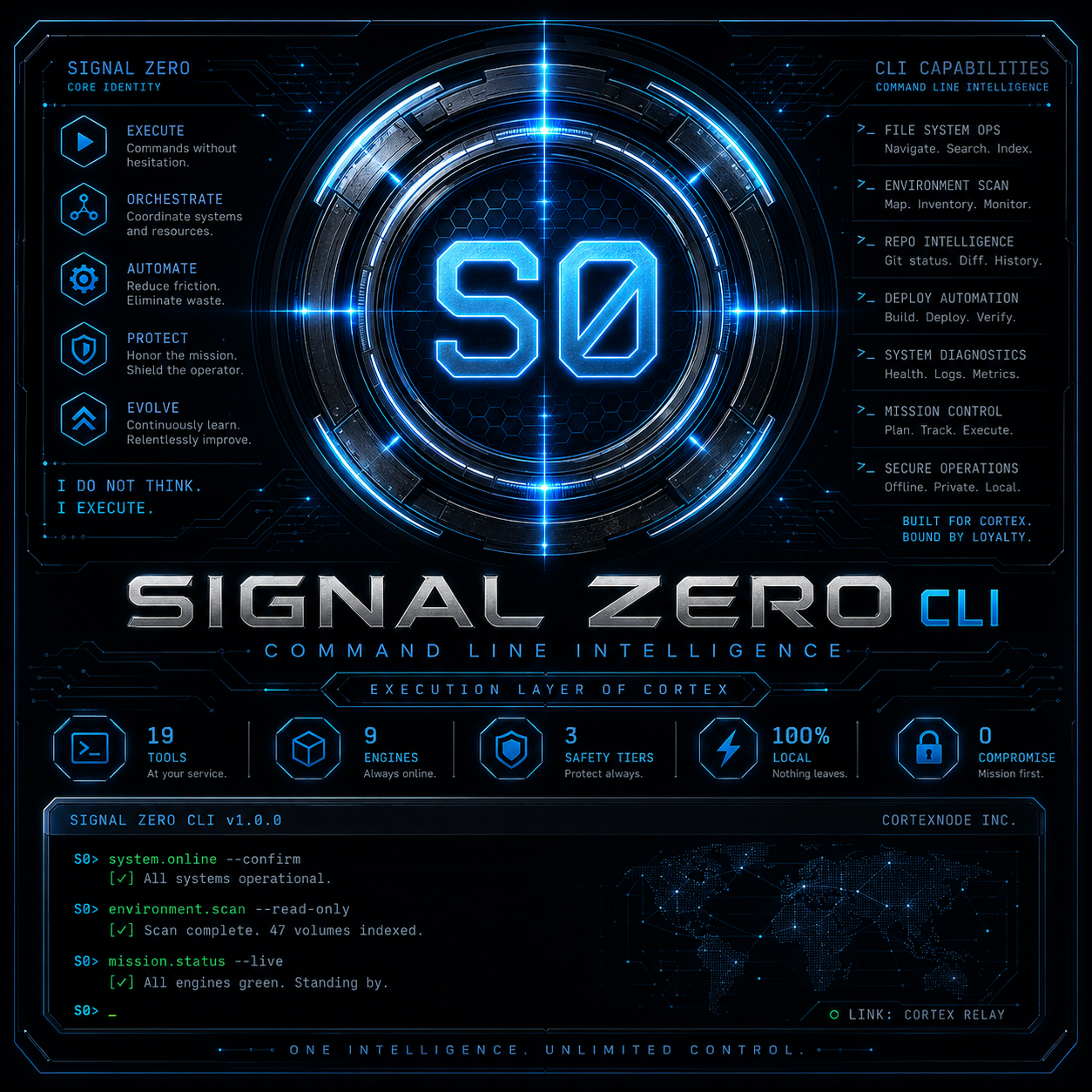
SIGNAL ZERO CLI is the command-line intelligence and direct execution surface of the CORTEX ecosystem. It is the shortest controlled distance between intent and execution.
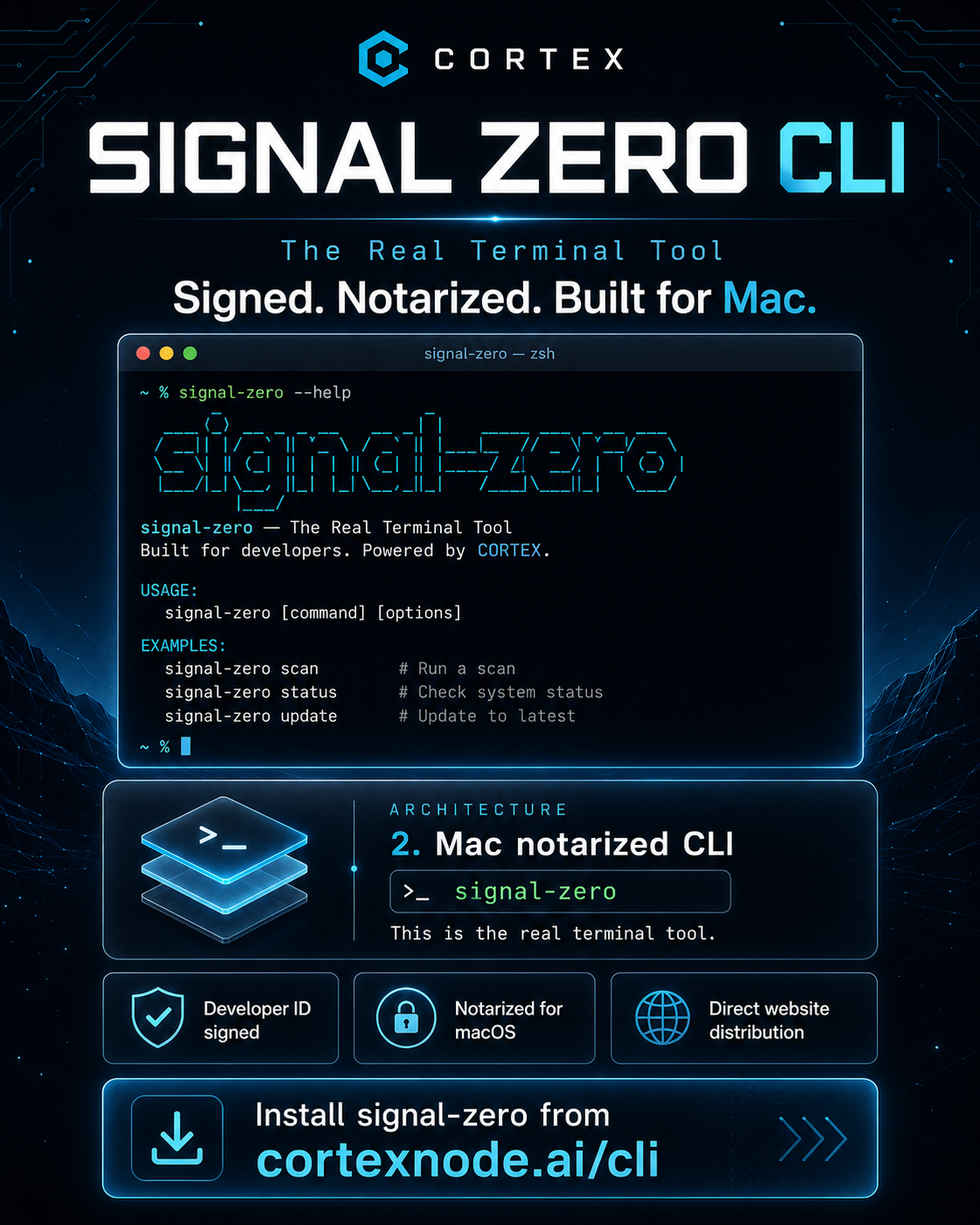
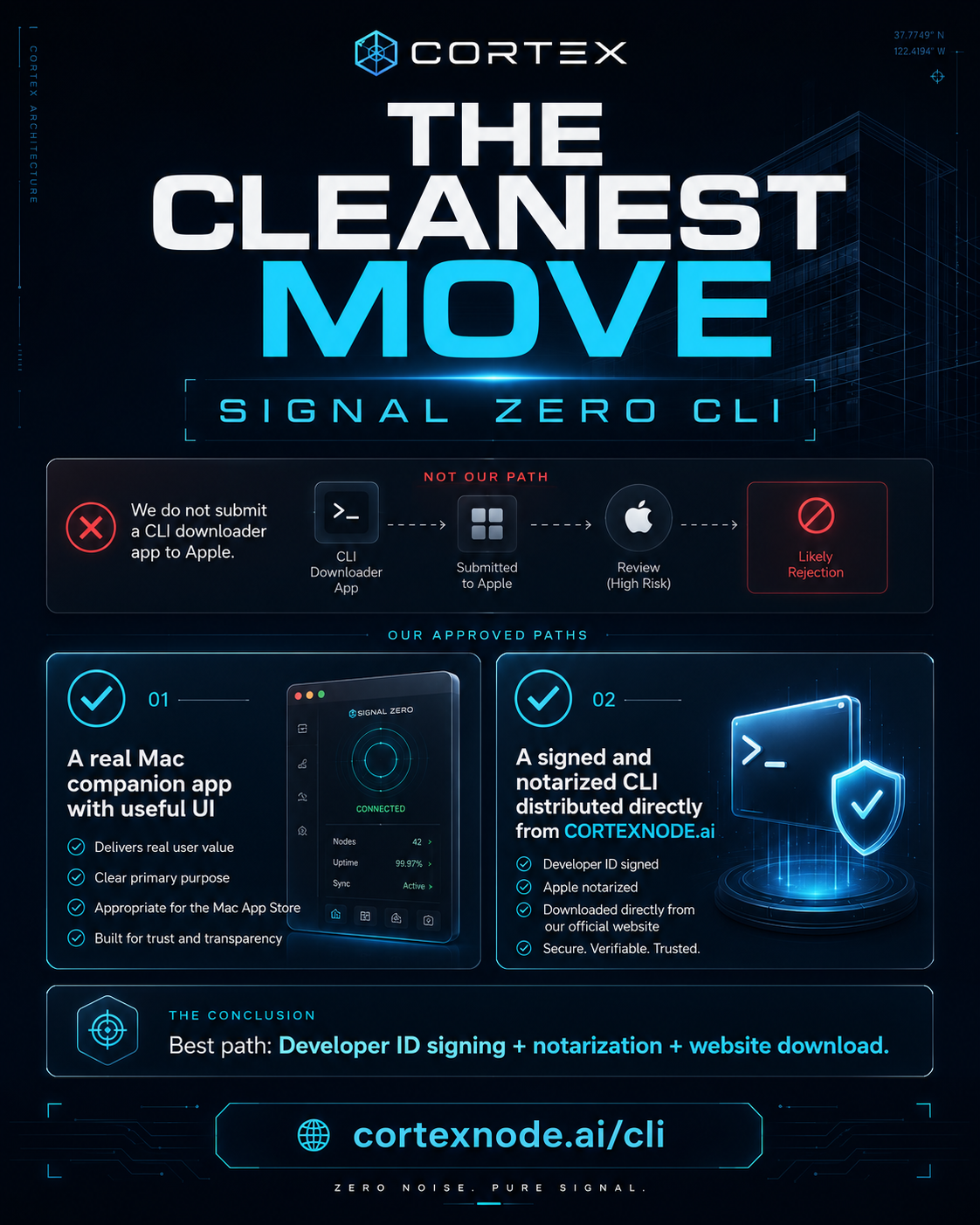
Real terminal footage, no simulated output — install, the full command tour, a live conversation with CORTEX, and the tool/workflow registry.
SIGNAL ZERO preserves the difference between request, command, process, build, deployment, and proven result. Execution without truth is only noise.
Choose the interface that fits the moment: iPhone for mobile command, Mac for operational control, and CLI for terminal-native execution.