Scope First
The project and objective are named before tool work begins.
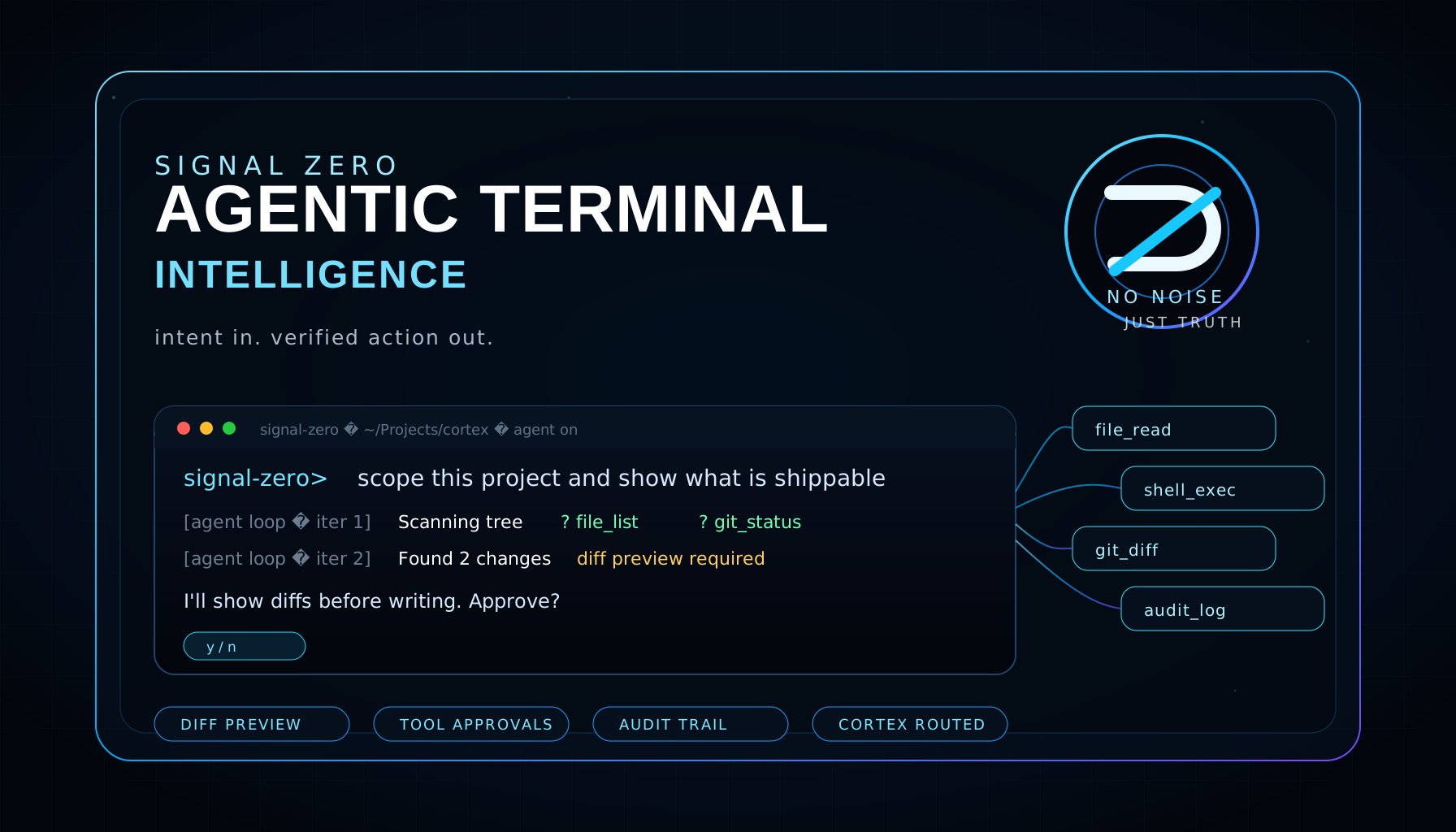
Agentic Terminal Intelligence
Terminal work with scope, review, and approval.
SIGNAL ZERO CLI is the terminal lane. It is designed around CORTEX relay authentication, scoped prompts, readable command output, and approval before risky local tool work.
Identity
The CLI page explains terminal behavior without borrowing the iOS app story. Install, scope, command examples, and safety tiers live here.
The project and objective are named before tool work begins.
Risky or destructive commands require explicit human confirmation.
Terminal results stay visible, summarized, and tied to the action taken.
The page describes review behavior without claiming invisible monitoring.
Workflow
Inspect files, routes, logs, and docs.
State intended changes and affected files.
Apply scoped edits only after the lane is clear.
Run lint, build, route checks, and screenshot review where available.
npm install -g signal-zero
	signal-zero auth
	signal-zero status
	signal-zero "brief this project"
The public CLI uses a CORTEX account token through the CORTEX relay. Developer tool mode is separate and requires direct local approval before writes, commits, shell commands, or pushes.
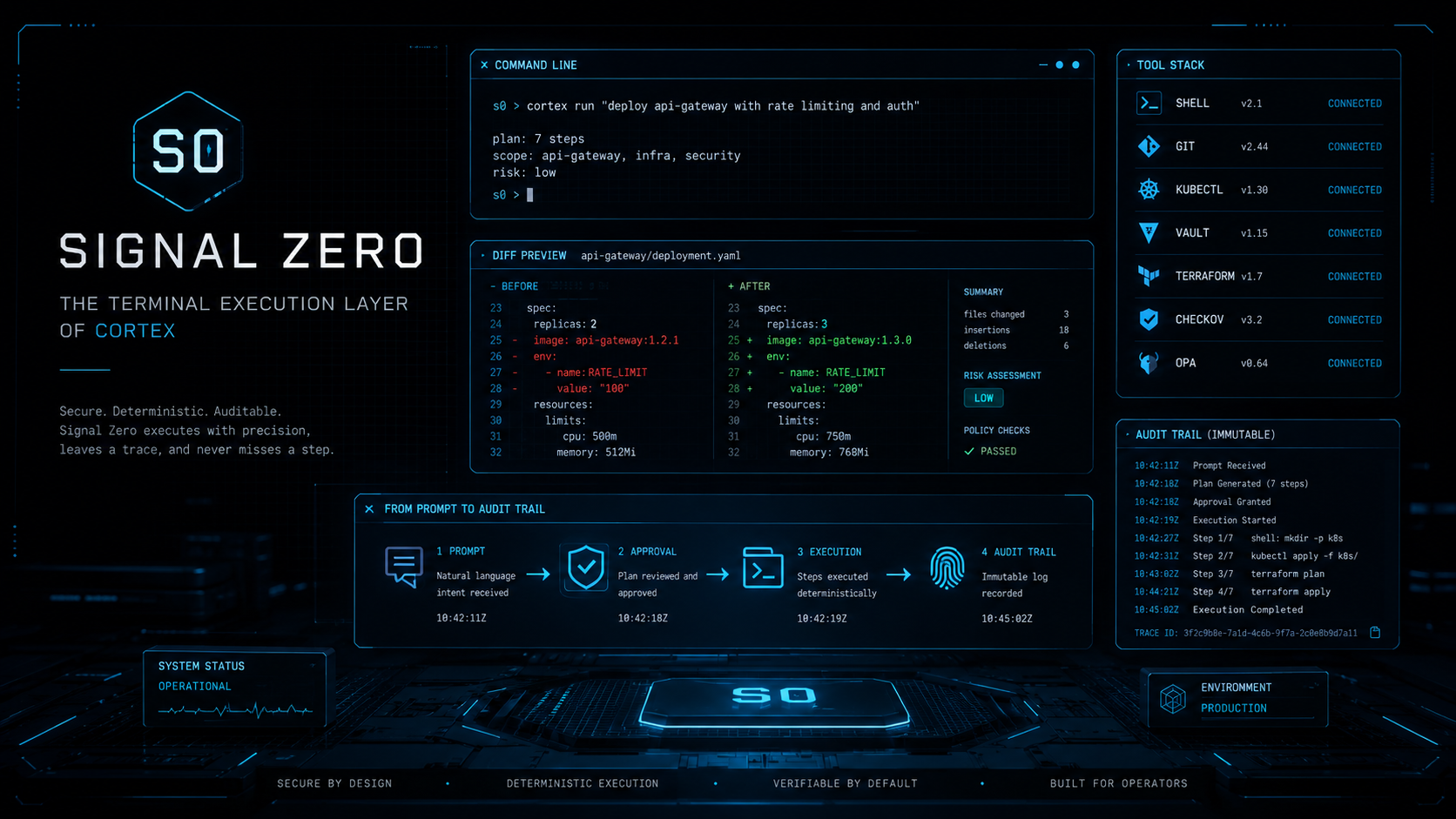
System Visual
The CLI page prioritizes terminal setup, relay authentication, safety tiers, install guidance, and clear separation from the iOS app.
Boundary
This page does not claim unattended execution, secret monitoring, or guaranteed safety. Every risky operation needs visible user approval.
Next Step
Install the CLI from npm, connect a CORTEX token, validate the relay, then run scoped terminal work from your own machine.